
Princh Remote Printing
Print from your computer or mobile device to a Library printer. No additional software required.
***Print jobs must be picked up same day. All print jobs are cleared each night.***


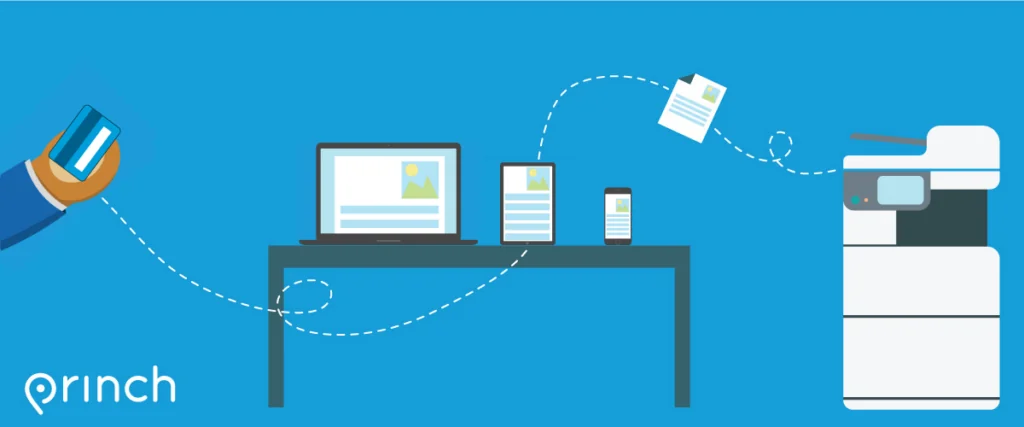
How to use the service
Print from a mobile phone or a tablet
- When printing at the library: scan the Princh QR code at the Reference Desk.
- Upload document(s) and adjust settings with Gear Icon (color, # copies, double sided or a page range), then click ACCEPT.
- Check the box to ‘Accept Terms and Conditions‘ and select ‘CONTINUE.’
- Enter your email address or library card number.
- Proceed to the Print Release Terminal to pay for and finalize your print job.
Printing from a laptop
- To print remotely from home or at the library, select printer location button above (Adult or Teen).
- Upload your document(s) and adjust settings with Gear Icon (color, # copies, double sided or a page range), then click ACCEPT.
- Check the box to ‘Accept Terms and Conditions‘ then select ‘CONTINUE.’
- Enter your email address or library card number.
- Proceed to the Print Release Terminal to pay for and finalize your print job.
Printing prices
B&W: $0.10/page
COLOR: $0.25/page
SPL cardholders may pay from their Online Account at the Library to receive $1.00 printing credit per day.